
Download Twitter – Social Networking, Real-Time Updates, Trending Topics, Public Conversations, Direct Messaging, Media Sharing, Online Community
Overview
Twitter is a dynamic social networking platform designed for real-time communication and information sharing. It serves as a digital hub where users can follow public conversations, track trending topics, and engage with individuals and organizations across the globe. The app enables instant access to breaking news, entertainment updates, political discourse, and cultural moments as they unfold. Its core purpose lies in connecting people through concise, timely messages known as Tweets, which can include text, images, videos, and GIFs. This makes Twitter a vital tool for journalists, public figures, brands, and everyday users seeking to stay informed or participate in global dialogues.
Target users include professionals seeking industry insights, fans following sports and entertainment, activists promoting social causes, and individuals looking to build an online presence. The app supports both public engagement and private interaction, allowing users to broadcast messages to a wide audience or communicate one-on-one through direct messages. Real-world use cases include live event coverage, crisis communication, customer service, and community building. In the broader app ecosystem, Twitter plays a critical role in shaping digital discourse and amplifying voices across diverse communities.
The developer, Twitter, Inc., has maintained a consistent presence in the social media landscape since its launch. Although the developer did not provide additional technical details, the app continues to serve as a foundational platform for real-time digital interaction. Its integration with media and public conversations ensures relevance in fast-moving information environments.
Key Features & Functionality
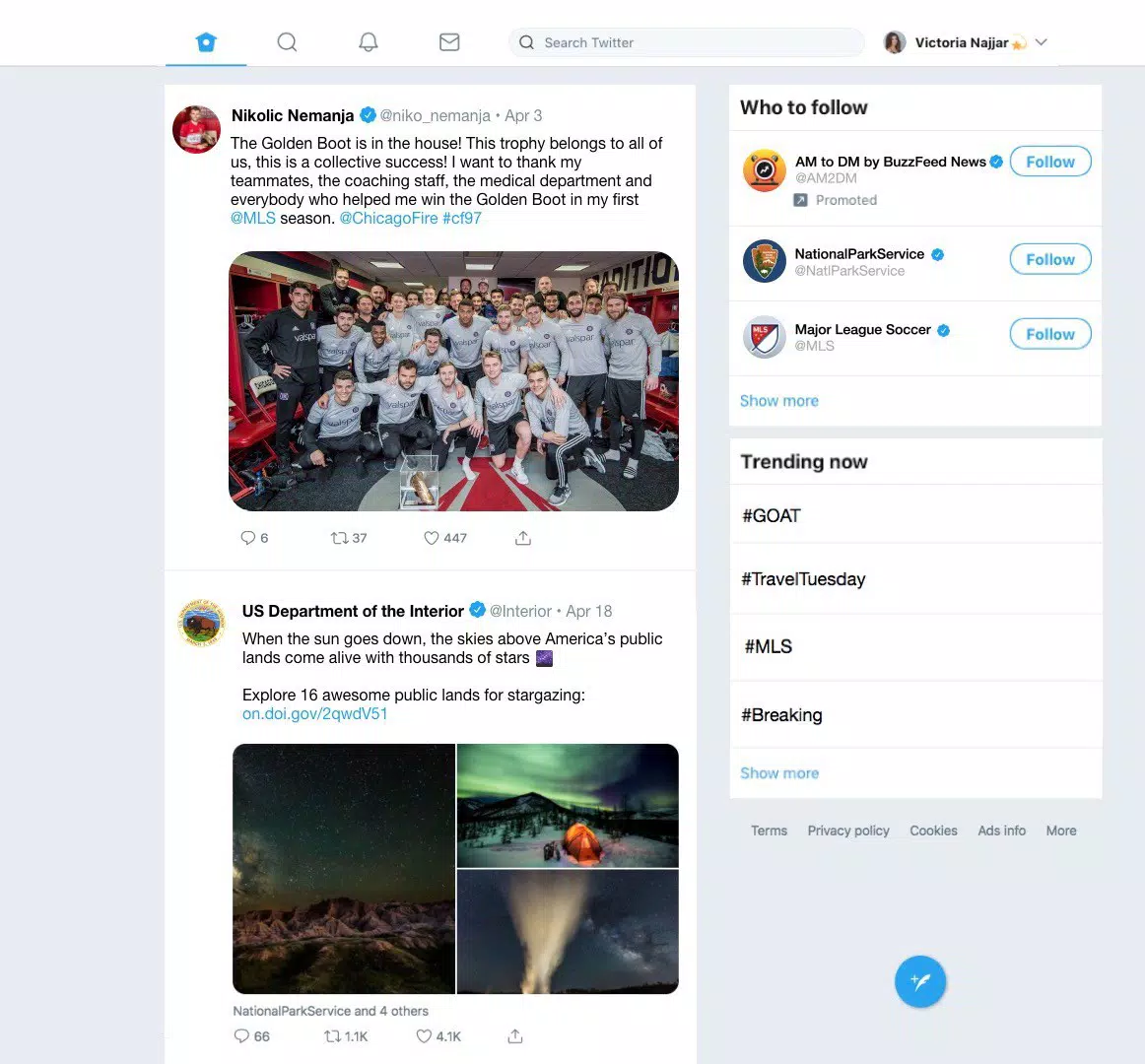
- Real-Time Timeline: The core feed dynamically updates with content from followed accounts, delivering the latest Tweets in chronological order. Users can engage with content through likes, retweets, and replies, fostering immediate interaction.
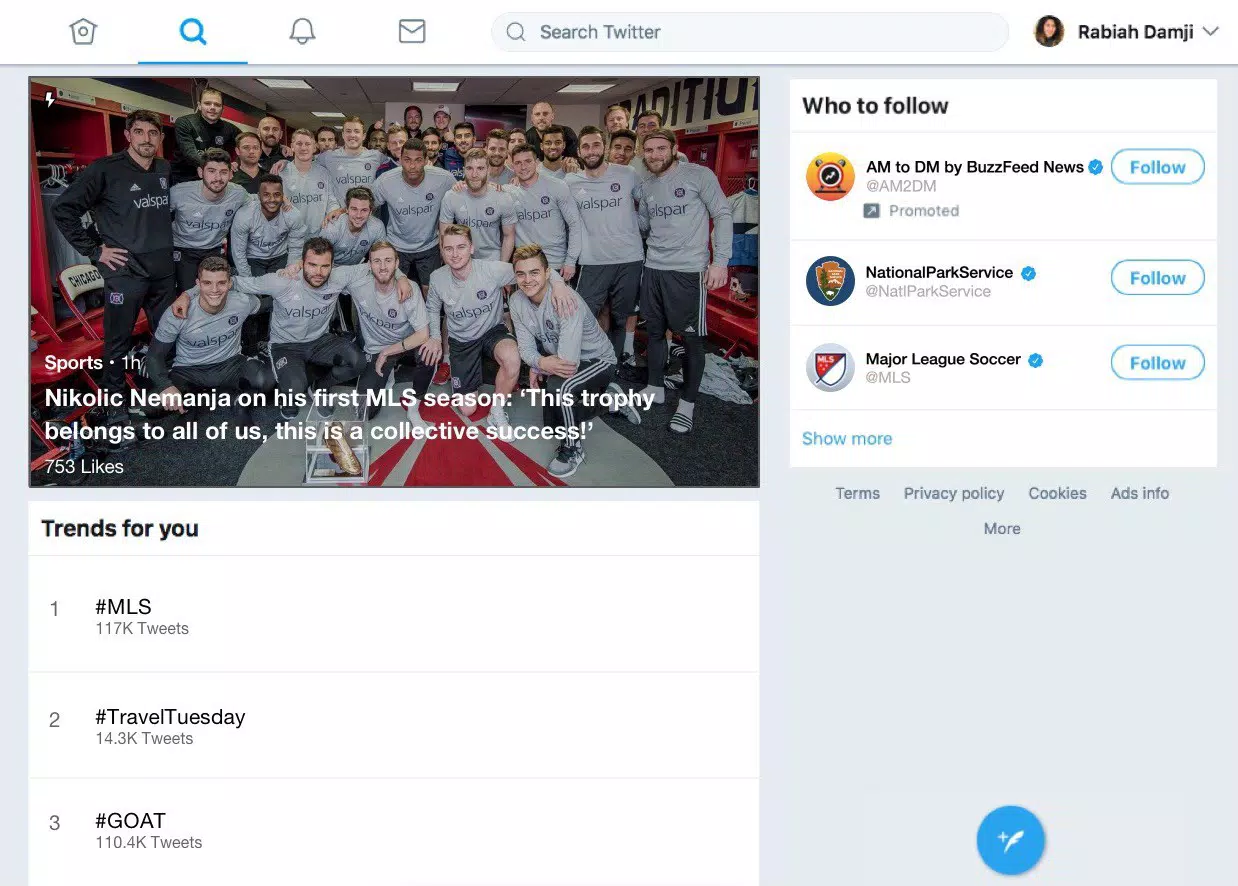
- Trending Topics Exploration: A dedicated section highlights popular hashtags and topics based on geographic and global interest. This feature helps users discover viral content and participate in ongoing conversations.
- Engaging Notifications: Real-time alerts inform users about new followers, likes, retweets, replies, and mentions. This ensures timely engagement and strengthens user connection to their network.
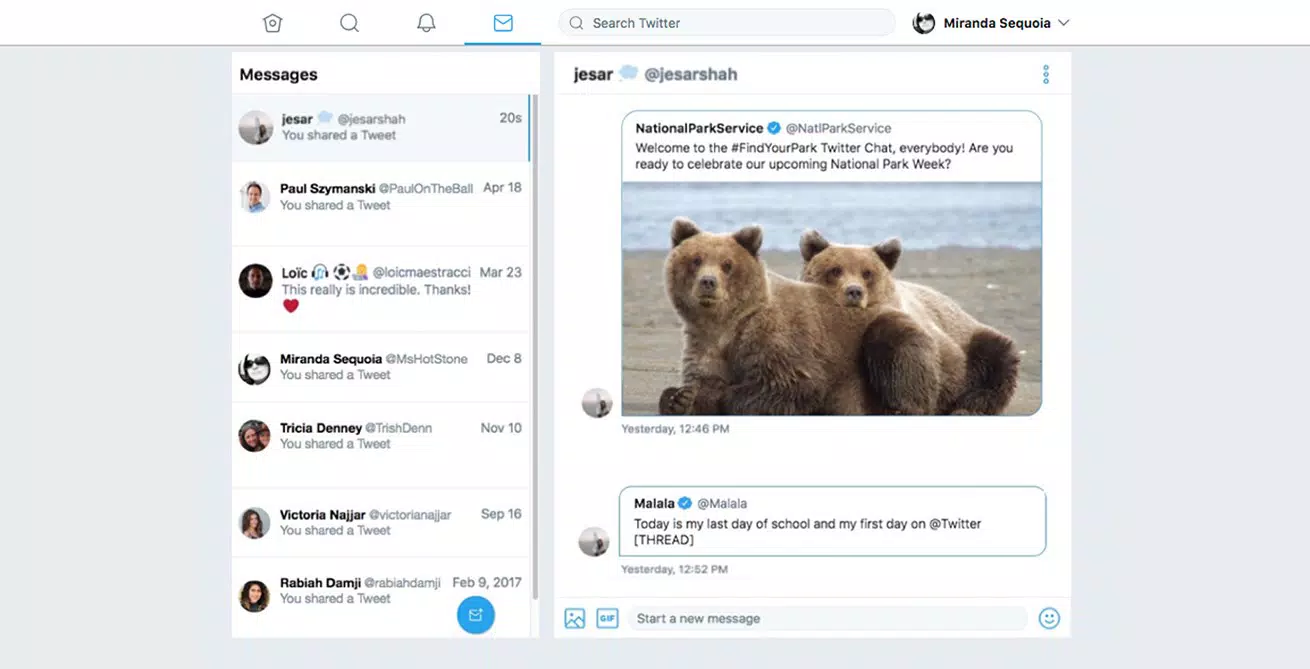
- Private Messaging: Direct messaging allows private communication between users, with support for media sharing, group chats, and seamless Tweet integration within conversations.
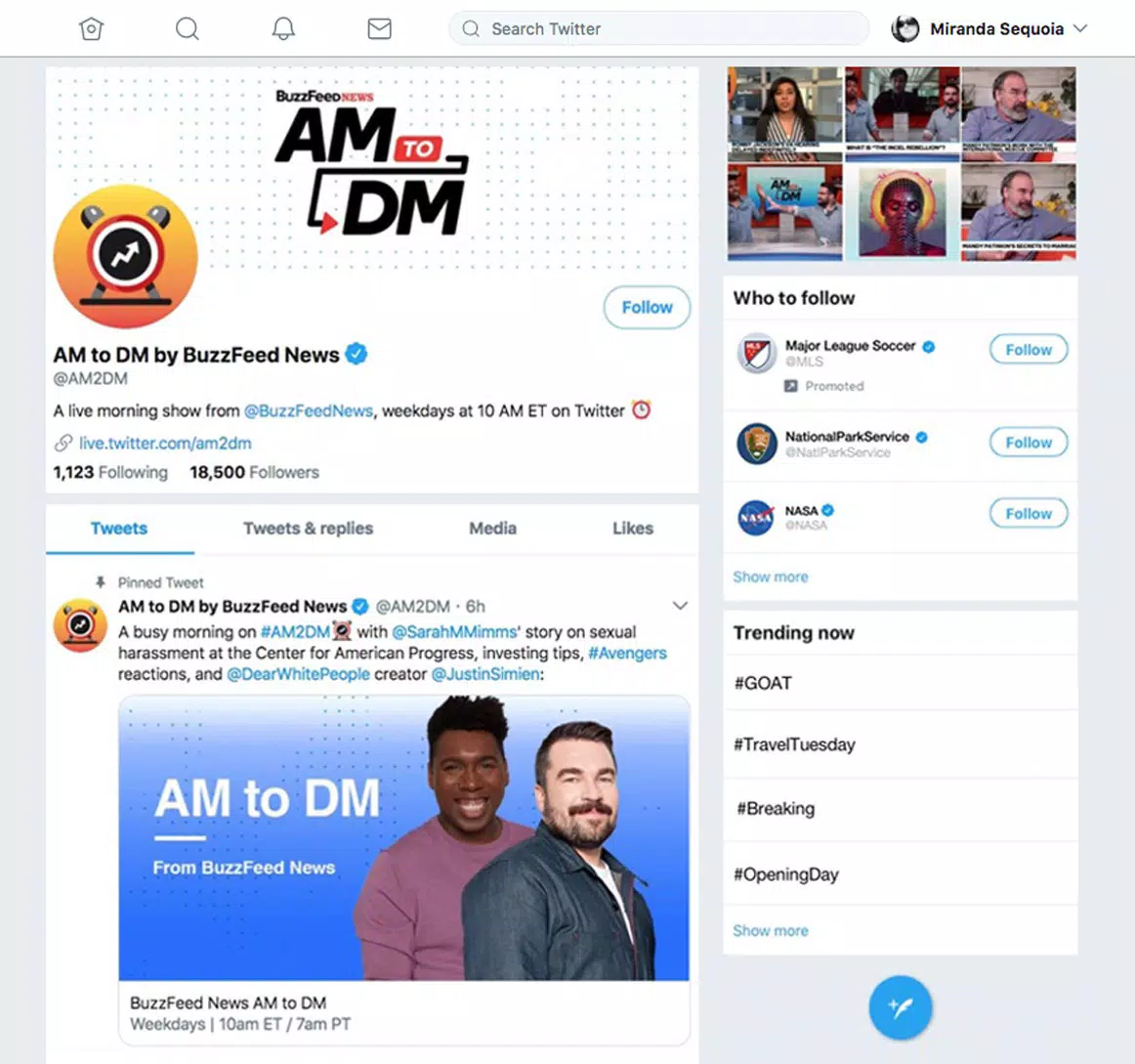
- Customizable Profiles: Users can personalize their profiles with avatars, bios, locations, and background images, helping to establish identity and share personal or professional interests.
Each feature supports real-world scenarios such as monitoring live sports events, responding to customer inquiries, or sharing multimedia content during public emergencies. These tools collectively enhance user participation, visibility, and connection within the platform’s global community.
Interface, UX & Performance
The Twitter app features a clean, text-focused interface with a consistent layout across screens. The main timeline displays Tweets in a vertical scroll format, with clear visual cues for media, likes, and engagement actions. Navigation is streamlined through a bottom tab bar, offering quick access to Home, Explore, Notifications, Messages, and Profile. The design prioritizes readability and speed, allowing users to consume content efficiently.
Navigation flow is intuitive, with minimal friction between actions such as composing a Tweet, replying to a post, or switching between conversations. The app maintains responsive behavior across various screen sizes and device types. Although the developer did not list formal performance metrics, the app demonstrates stable operation during high-traffic events, with minimal lag during content loading and interaction.
Stability appears consistent, with no widespread reports of crashes or data loss. Users can expect reliable access to their feeds and messages, even during peak usage periods. The app’s lightweight design contributes to efficient performance on mid-range and high-end devices alike. Overall, the user experience is optimized for speed, clarity, and ease of use.
Platform Compatibility & Technical Requirements
Twitter is available exclusively on the Android platform. The current version is 10.23.0, with a file size of 54.4 MB. This compact footprint ensures quick installation and minimal storage impact on devices. The app is designed to run on Android devices meeting standard requirements for modern mobile applications.
The developer did not specify minimum OS requirements. However, given the app’s release date of October 11, 2017, and its continued updates, it likely supports Android 5.0 (Lollipop) and later versions. Compatibility information was not fully disclosed, so users should verify device support through official channels.
Pros and Cons
Pros
- Free to download and use with no subscription fees.
- Lightweight file size (54.4 MB) ideal for devices with limited storage.
- Real-time updates ensure access to current events as they happen.
- Strong support for public and private communication through tweets and direct messages.
- Customizable profiles allow for personal branding and identity expression.
Cons
- Specific technical requirements were not listed by the developer.
- Some users may find the interface too text-heavy for casual browsing.
- Public nature of tweets may raise privacy concerns for sensitive discussions.
- Performance on older devices may vary without official compatibility details.
- Notifications can become overwhelming during major global events.
FAQ
Is Twitter available on iOS?
The developer did not disclose platform availability beyond Android. Users should check official sources for iOS compatibility.
How often does Twitter release updates?
Regular updates are released to improve functionality, security, and user experience. The latest version is 10.23.0, indicating active development.
Is Twitter safe to use?
Twitter implements standard security measures to protect user data. Users are advised to follow best practices such as strong passwords and two-factor authentication.
Can I use Twitter without an account?
While limited browsing is possible, full functionality requires a registered account. Public content can be viewed without signing in, but interaction requires login.
Does Twitter support media sharing?
Yes, users can share photos, videos, and GIFs within Tweets. The app also allows media integration in direct messages and group chats.
Final Thoughts
Twitter remains a cornerstone of real-time digital communication, offering a powerful blend of public discourse and private interaction. Its lightweight design, dynamic timeline, and robust feature set make it ideal for users who value immediacy, engagement, and global connectivity. Whether you're following breaking news, joining trending conversations, or managing a personal or professional brand, Twitter delivers consistent value. The app’s focus on speed, simplicity, and community ensures it remains relevant in an evolving digital landscape.
For professionals, journalists, activists, and social media enthusiasts, Twitter is more than a tool—it’s a platform for influence and connection. Its free access, combined with strong performance and real-time updates, makes it a top choice for mobile social networking.
Download Twitter now


